Spot pressure early
See available memory and unusually large processes before performance deteriorates.
Wrexham Media · Windows utility
WM Panic Button quietly watches the health of your Windows PC and gives you clear, early warnings before low memory, page-file pressure or dwindling drive space makes the computer difficult to use.
Available for Windows through Microsoft Store · Product ID 9NW471JF35GC
Early warning, simply explained
You do not need to understand technical system information. WM Panic Button turns important Windows health readings into clear status information and practical, safety-conscious guidance.
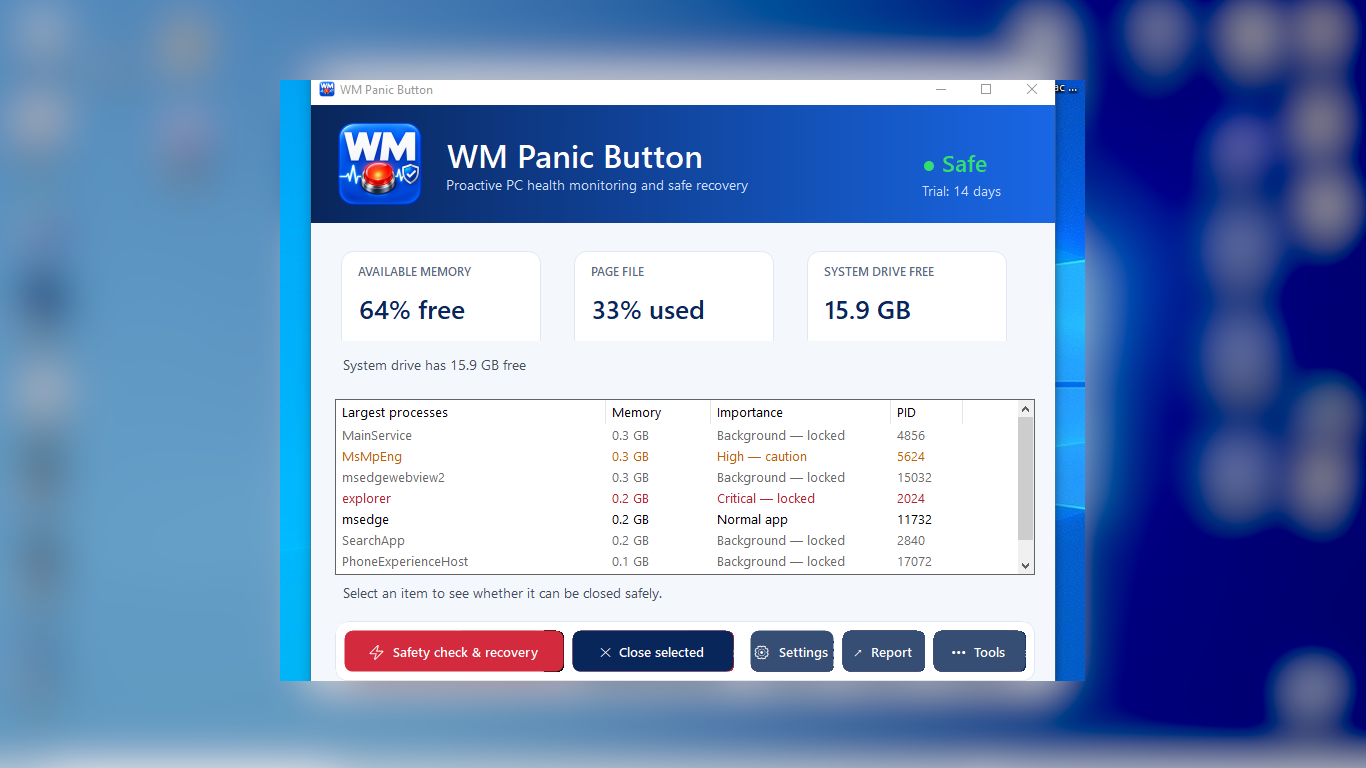
See available memory and unusually large processes before performance deteriorates.
Monitor page-file use so sustained pressure does not arrive as an unpleasant surprise.
Track free space on the system drive and receive warning before it becomes critically low.
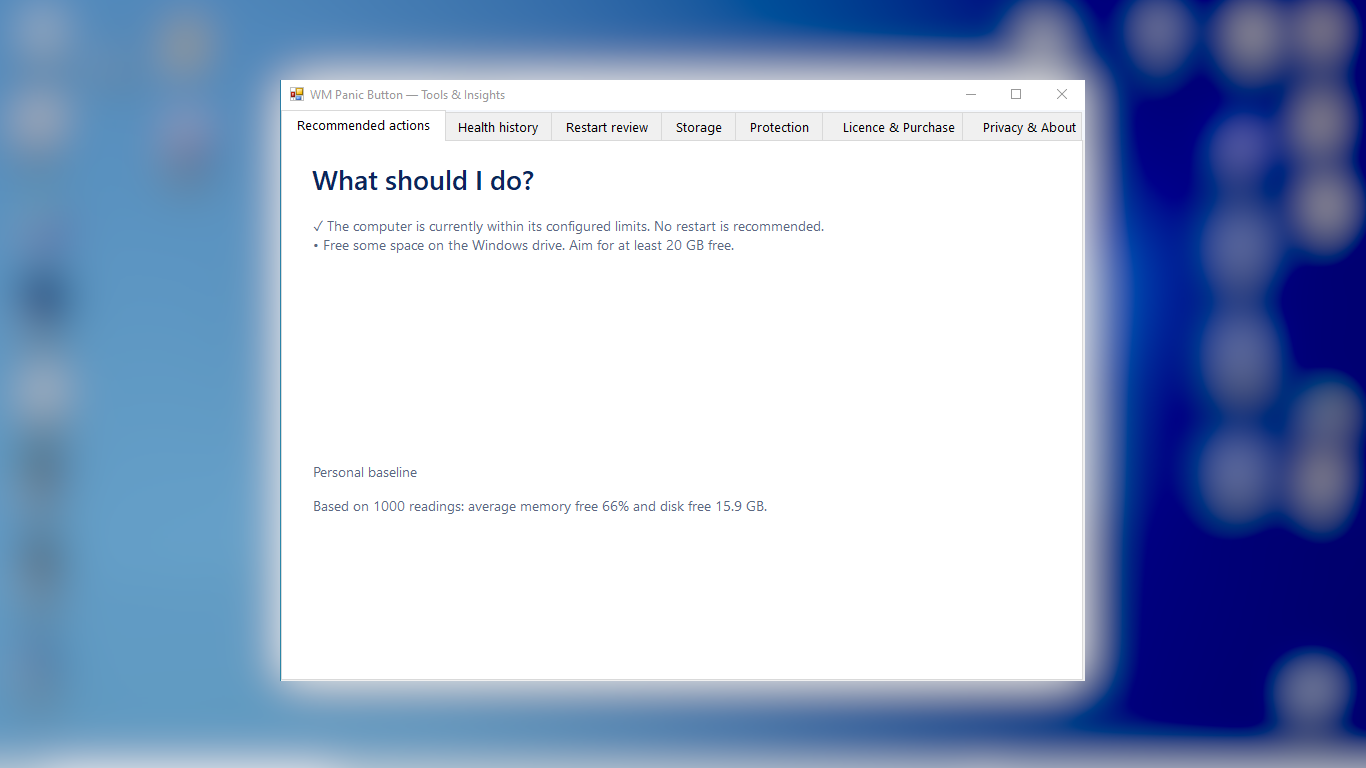
Review recommended actions and restart guidance without guessing which process is safe to close.
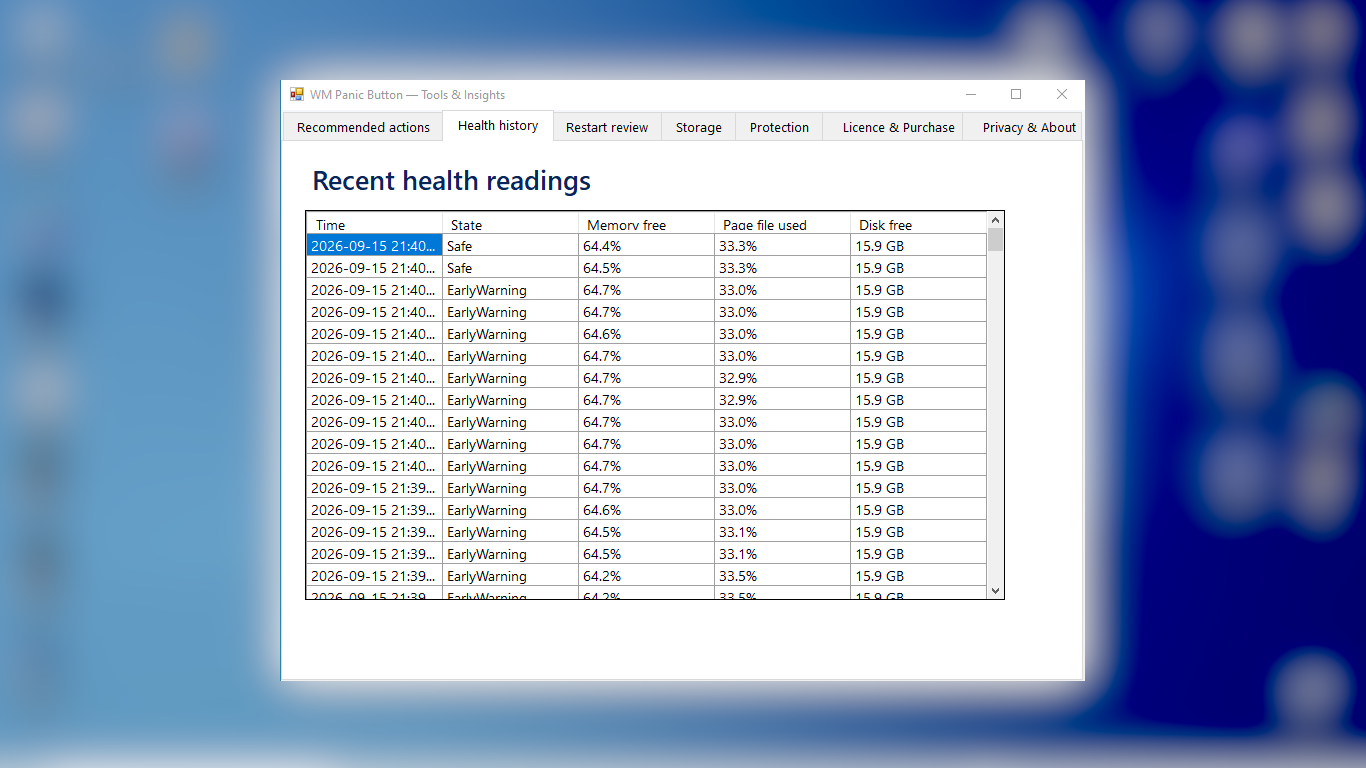
Health history and restart review help reveal recurring problems instead of showing only the present moment.
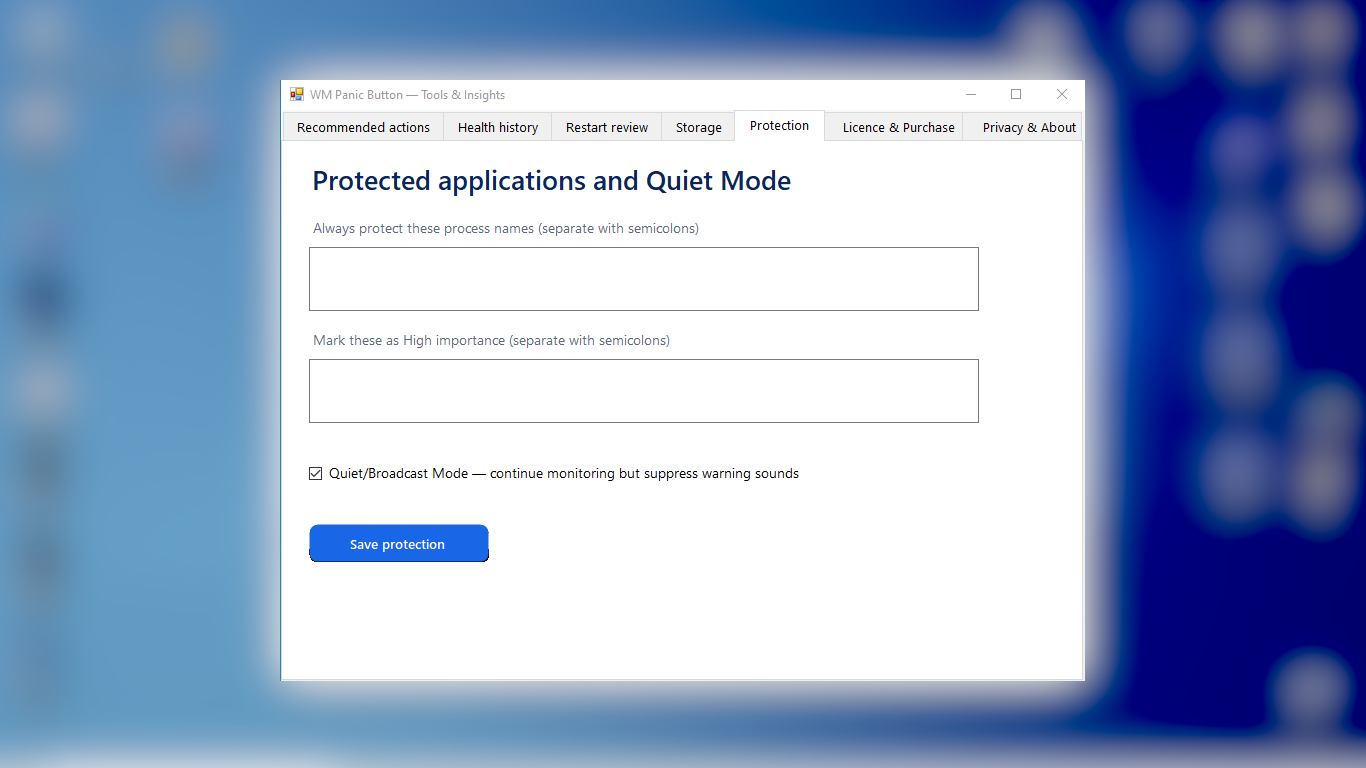
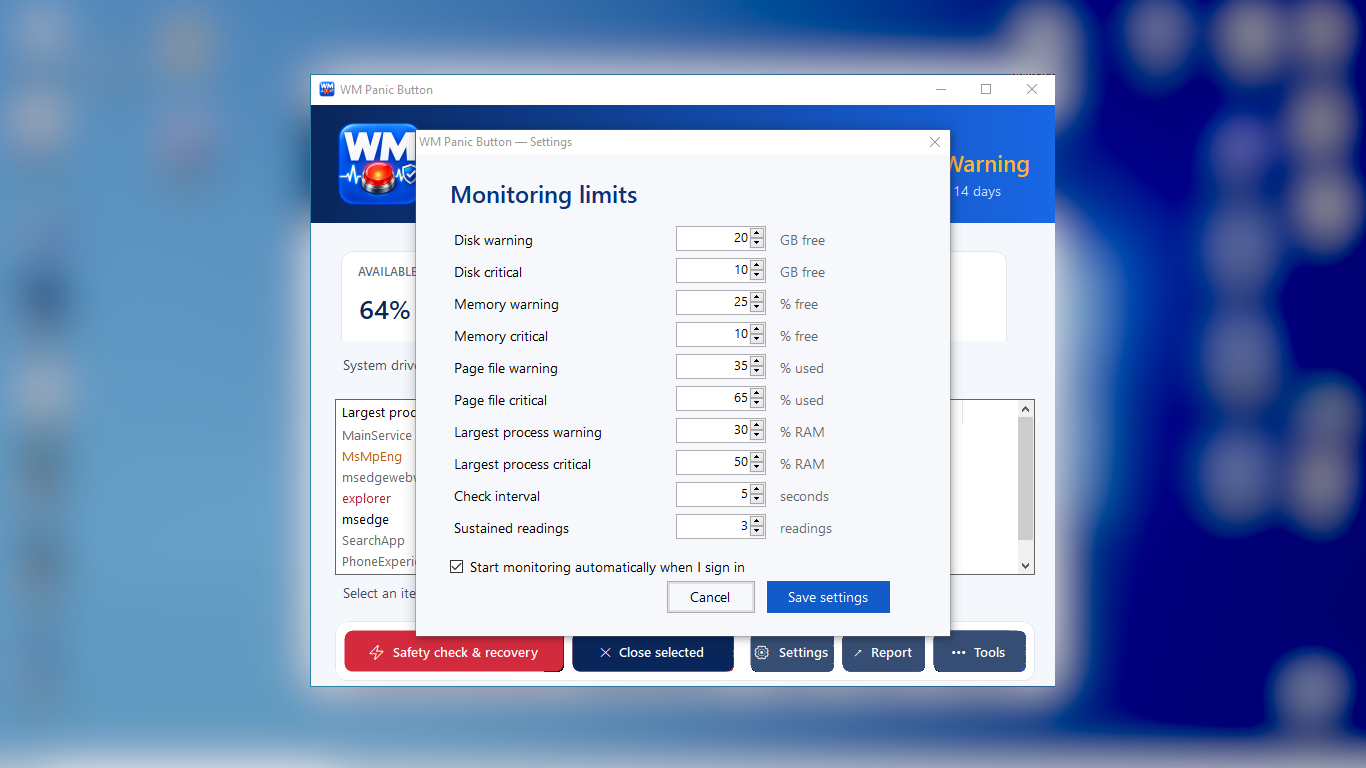
Protected-process guidance, configurable limits and Quiet/Broadcast Mode keep monitoring useful without unnecessary interruption.
A focused Windows workspace
These compact views are taken from the real Microsoft Store build. Sensitive information outside the application has been privacy-blurred.
Straightforward access
Install from Microsoft Store and use the 14-day trial. If WM Panic Button suits your workflow, continue with a monthly, annual or lifetime licence.
Explore the complete monitoring and guidance experience before choosing a licence.
A rolling option for flexible access without a long commitment.
One yearly licence for ongoing monitoring and support.
A single licence purchase for continued use of the purchased version.
Download WM Panic Button securely from Microsoft Store.